
Cat
You
Every day starts with an empty stretch of water and a cat who intends to do something about it.
Todo for iPhone and iPad
A CatGrab is one move. The fish is what you are after — and it is also who you are after it with, straight from your contacts. Five states, one calendar, nothing to sign up for.
Free to download · iOS 17 or later · iPhone and iPad
Today
4 openTo do
Send the Kobayashi quote
11:30AAiko
Chase the missing invoice
09:00MMarco
Book the studio for Friday
17:00
Rewrite the onboarding email
—
Done
Ship build 42 to TestFlight
Yesterday
Drop the paid ad experiment
—
Cat
Every day starts with an empty stretch of water and a cat who intends to do something about it.
Grab
A CatGrab is a single action with a state and, if it needs one, a time. Small enough to actually finish.
Fish
A big fish is a goal worth swimming for — and usually someone is on the other end of it. Pull that person in from your contacts and tag them on the move.
Five states
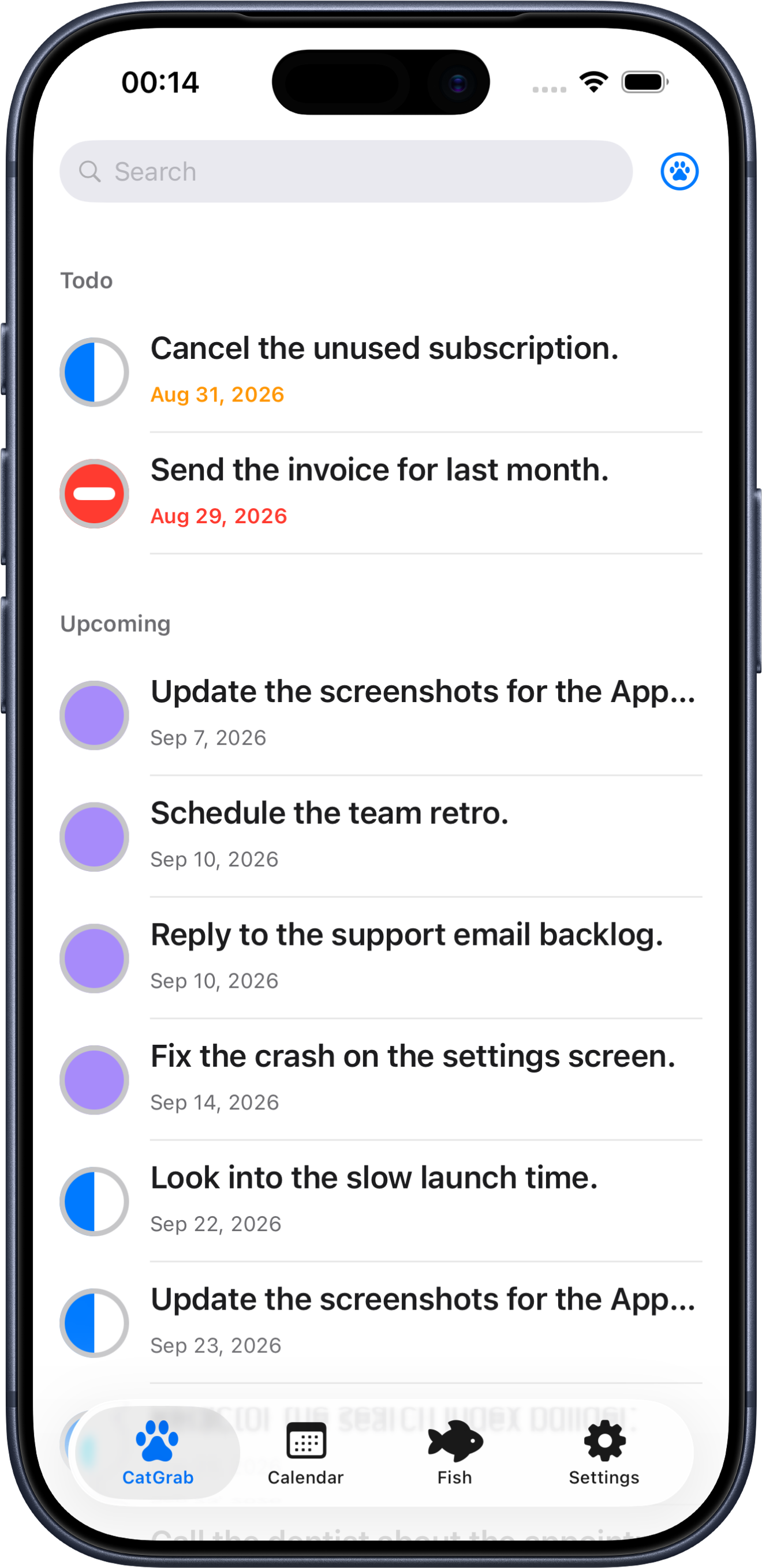
CatGrab gives every move one of five states. The circle sits on the left edge of the row, so a list reads at a glance — and the same circle is drawn identically in the list, on the pill, and in the calendar.
Waiting for its turn. It sits in Todo when it is due today or overdue, in Upcoming when it is due later.
The move you are on right now. Half-filled, so you can spot it in a list without reading a word.
Landed. It drops into Done, keeps its date, and turns the day green on the calendar.
Still open, but stuck on something or someone else. It stays in your list instead of quietly disappearing.
Called off on purpose. Closed like Done, but it never pretends the work happened.
Fish
A fish is what a move is aimed at — the catch waiting at the end of it. More often than not there is a person attached: the partner swimming beside you, or the one who set the goal in the first place. Pull them in from your contacts and every move pointed their way collects in one place.
Fish
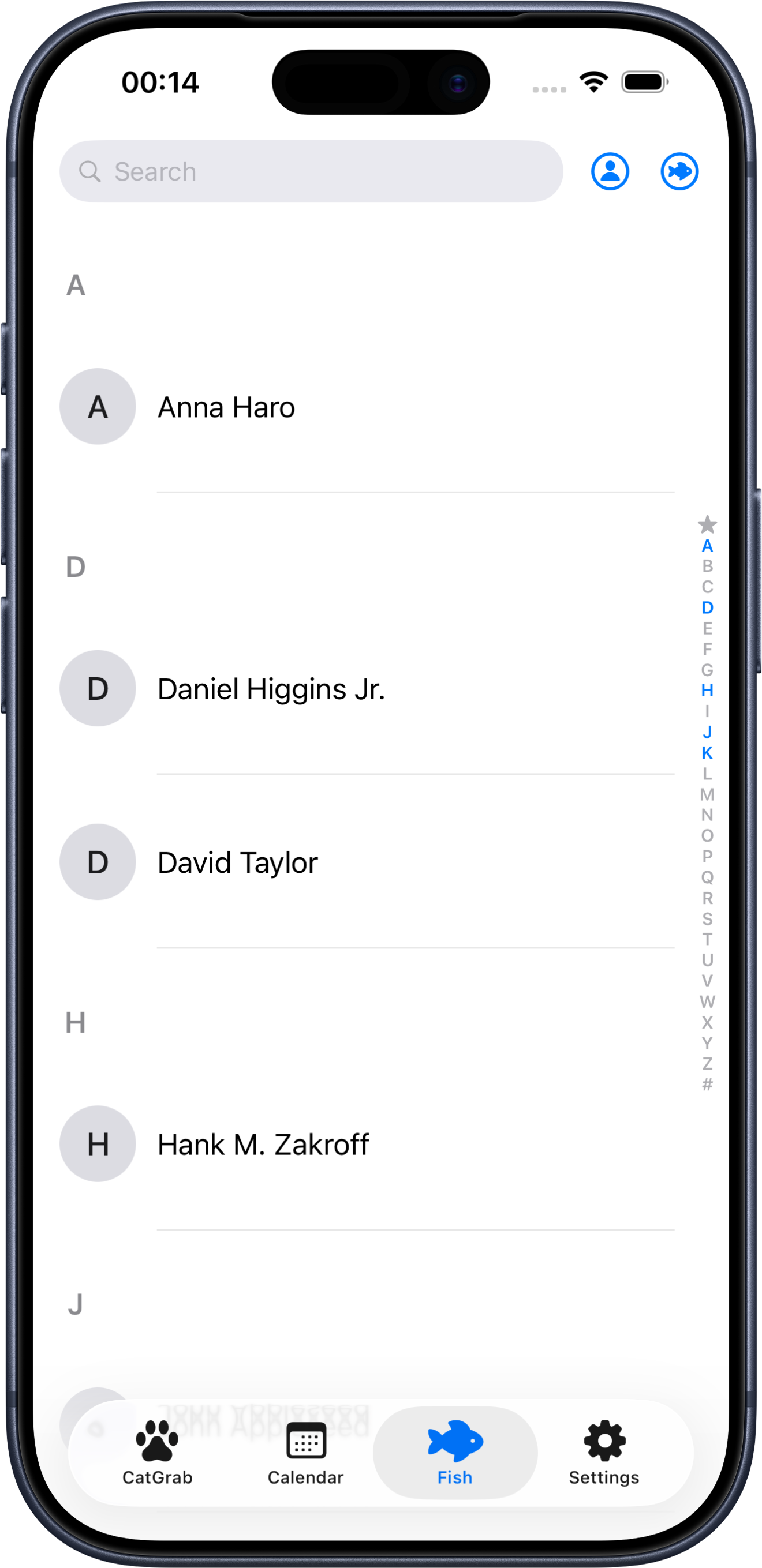
Every move you tagged with a fish collects under that fish. Starred ones stay at the top of the directory, of search, and of the picker inside the editor.
Look back
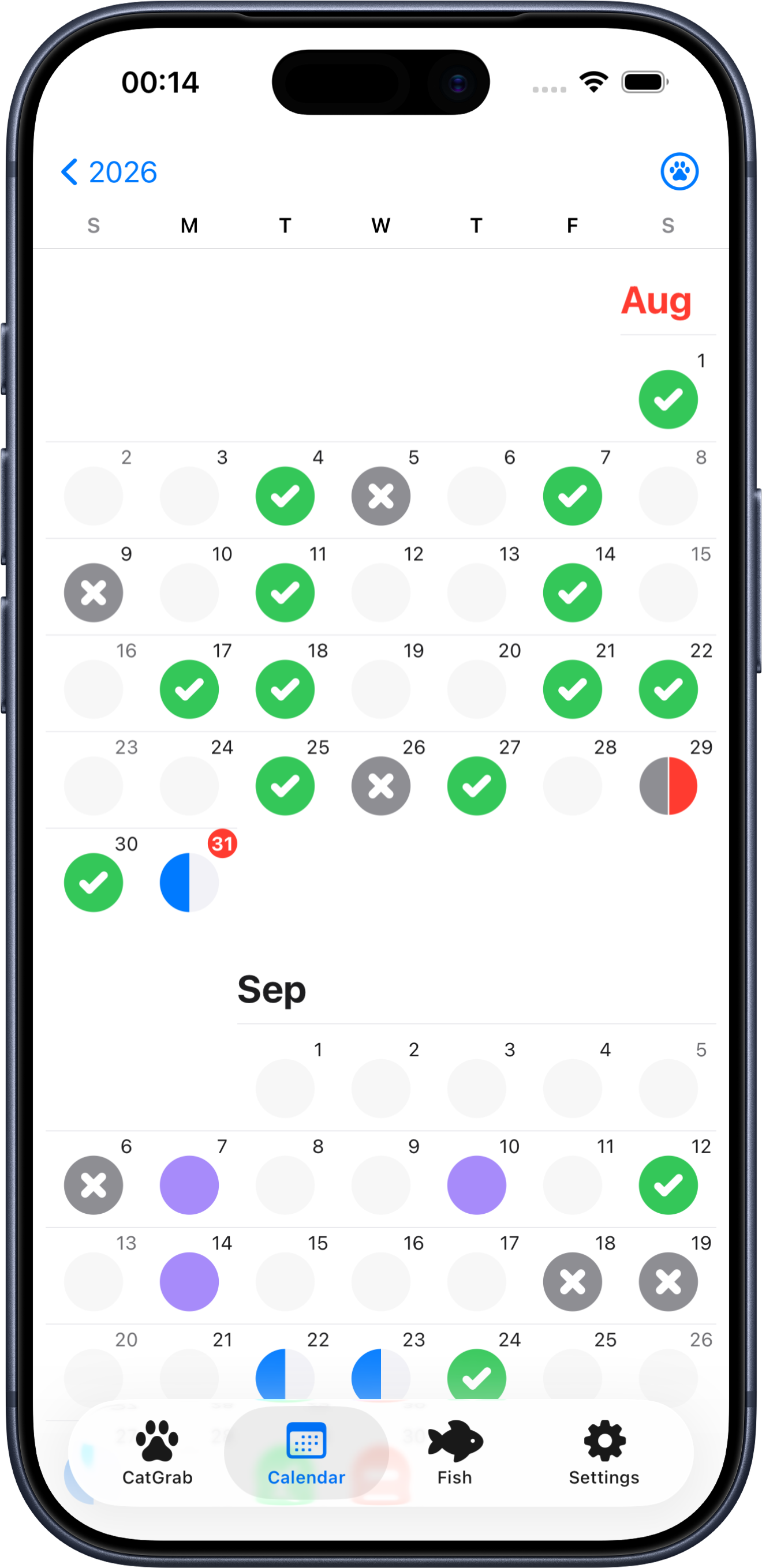
Zoom from year to month to day. A day with one state wears that state; a day with several splits into a pie of colours. Nothing is hidden — finished moves stay on the calendar, because seeing the green is the point.
March
Tap a day to zoom in
M
T
W
T
F
S
S
moves landed
moves landed
moves landed
Sample figures — your own totals come from your calendar.
Details
Not "remind me at 9am" — "remind me 30 minutes before". Pick any lead time from 0 to 24 hours in five-minute steps.
Turn the time off and a move genuinely has no time: it stays out of the calendar and sits at the bottom of its section instead of faking a due date.
Drag the list down past the top and a paw appears. Let go and the editor opens, already on the day you were looking at.
Everything syncs through your own iCloud account across iPhone and iPad. No CatGrab account, no server of ours in the middle.
The month grid uses the extra room: one dot per move on a busy day, or the state drawn large when the whole day agrees.
Follows the system appearance, and the state colours are tuned so the five circles stay apart in both.
Screenshots
Captures follow the appearance you picked at the top of the page.
Questions
CatGrab is free, works offline, and keeps everything in your own iCloud.